
An AI Server for Your Business, Supplied and Set Up by Us
Not a rack of datacentre GPUs. One machine, sized for a 5-50 person Irish business, sitting in your comms cupboard and running private chat and document search for your team.
€600 per month for the software and the hardware rental. You rent the machine — you don’t buy it.
An AI server for a business is a dedicated machine with a graphics card capable of running a language model, installed on your own network so your team can use AI without sending documents to a cloud provider. AgentHub sizes, supplies and installs the server, loads open-weight models, connects your existing sign-in and handles updates, backups and support.
Get Your AI Server Sized and Quoted
Sized after one short call · Supplied, installed and supported · Irish, PhD-led team
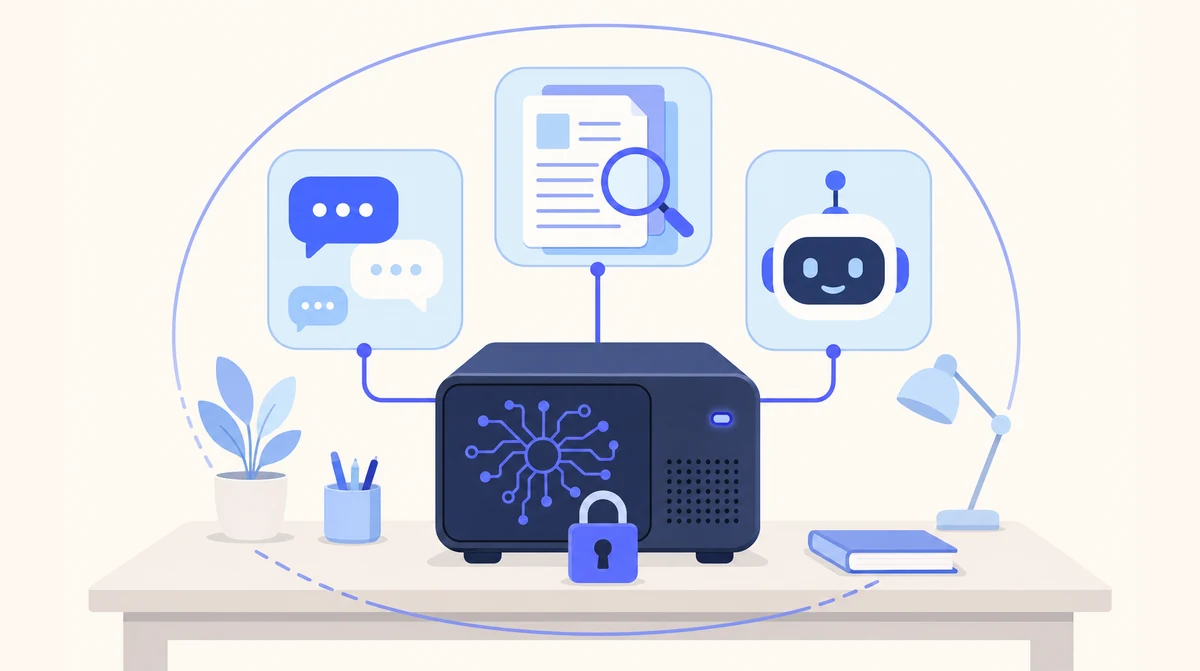
The server runs Local AI: private chat, document spaces and custom assistants, with every byte staying inside your building.
What Is an AI Server — for a Business, Not a Datacentre?
An AI server is a computer built to run AI models rather than spreadsheets: a graphics card with enough memory to hold a language model, and software that lets several people use that model at once through their browsers. Search the term and you'll mostly find datacentre hardware priced for cloud providers — not what a 20-person firm needs.
What a business needs is one on-premise AI server: a single machine that sits on your network, runs open-weight models for private chat and document search, signs people in with the Microsoft 365 or Google Workspace accounts they already have, and is somebody else's job to keep running. That machine — specified, supplied, installed and supported — is what Local AI is.
What's Inside an On-Premise AI Server, and Why Each Part Matters
You don't need to choose any of this — we do — but it helps to know what you're paying for.
| Part | What it does | What it decides for your business |
|---|---|---|
| Graphics card (GPU) | Runs the language model; its memory sets how large a model fits | Which models you can run, and how fast answers come back |
| System memory and processor | Handles document indexing and everything around the model | How long a document the model can read at once — a lease or a full tender pack |
| Storage | Holds your documents, the index and the chat history | How many folders can be in scope; sized with room to grow |
| Network connection | Serves the browser interface to your team on the office network | Nothing to configure on your side beyond a port |
| Model runtime and chat interface | Loads the open-weight model and gives staff a ChatGPT-style window | The thing people actually use every day |
| Document index and citations | Finds the relevant pages at question time and cites them | Answers you can check, from your own files |
| Single sign-on | Connects to Microsoft 365 or Google Workspace | Joiners and leavers handled where you already handle them |
| Backups | Copies documents and spaces on the agreed schedule | A replacement machine restored from backup if this one fails |
How We Size an AI Server for Your Team
We size the server on four things: how many people will use it at once, how much they'll ask it to read, which model that work needs, and how much you expect to grow. We don't publish a spec sheet because the right answer for a three-partner practice and a 40-person firm is a different machine, and the wrong one is either slow or over-priced. We specify it after a short call, and we say which of the four drove the choice.
| What we ask | Why | What it changes on the machine |
|---|---|---|
| How many people, and how many at once? | Five people asking on a Monday morning must not queue behind each other | Graphics card class and memory |
| What will it read? | A 60-page lease or a tender pack must fit in what the model reads at once | Model choice and system memory |
| How many documents are in scope? | The contracts folder is a different job from the whole file server | Storage, and how long the first import takes |
| Which jobs? | Summarising and drafting need different strengths from extracting figures | Which open-weight model we shortlist — see our local LLM page |
| Where will it live? | A comms cupboard and an open-plan office have different noise and heat tolerances | The case, cooling and whether we recommend a small UPS |
| Growth in the next two years? | Adding a team should be a configuration change, not a new machine | Headroom on the card and the storage |
Self-Host an AI Model Yourself vs Buy the Server Done
Self-hosting an AI model is a genuine option for a technical owner. Here is where the hours go — and where the surprises are.
| The step | Self-host it yourself | AgentHub supplies the server |
|---|---|---|
| Buying the hardware | Research cards, order parts, discover the model needs more memory than you bought | Sized from your call, supplied configured |
| Putting it in an office | Find out on day one that a gaming case sounds like a hairdryer under the reception desk | Case and cooling chosen for where it will live |
| Installing the model and the serving software | Drivers, runtimes, a chat interface, a document indexer — four projects | Installed and tested on your own documents before go-live |
| Access control | Usually skipped; whoever finds the address is in | Single sign-on with your Microsoft 365 or Google Workspace |
| Keeping it current | Model upgrades and patches whenever someone remembers | Software updates and model upgrades on an agreed schedule |
| When the card dies | Order a new one, rebuild, hope the documents were backed up | A replacement machine restored from backup, under the support agreement |
| Who to ring | A forum thread | The people who installed it |
We'll say the honest thing: if you're technical and it's for you alone, self-hosting is a satisfying weekend. If it's for the accounts team and the matter files, the right-hand column is the one that still works in month six. The reason people want the server in the building at all — no third-party AI processor, no international transfer, nothing used for training — is covered on our on-premise AI page and, for the regulatory side, our GDPR-compliant AI page.
Where an AI Server Sits in a Normal Office
A comms cupboard, a locked store room, or a quiet corner behind a door — anywhere with a network port, a power socket and a bit of airflow. It's a single machine, not a rack. We'll advise on a small UPS if your building has the kind of power that trips on a kettle, and on noise if the only spot is within earshot of a desk. Staff never touch it; they use it through the browser.
Two things it doesn't need: an internet connection for the AI itself — chat and document search keep working if your line drops, because the models are on the box — and inbound access from outside. Its only outbound connections are to your Microsoft or Google account for sign-in and to us for updates. Most clients should start with one team and one folder; adding people later is a configuration change, not a second server.
From First Call to a Running AI Server
Size It
A short call about people, documents, jobs and where it will live. We specify the machine and say which factor drove the choice.
Supply and Install
The configured server arrives, goes on your network, and we connect single sign-on, import your existing documents into spaces and train the team.
Keep It Running
Software updates, model upgrades, backups and the replacement arrangement are ours. You name one contact; we talk to them.
What Clients Say About Working With Us
Since installing AgentHub's AI receptionist, we haven't missed a single patient call. It handles appointment queries after hours and our front desk staff can focus on in-clinic care.
Our inbox was drowning us. AgentHub's email manager now categorises everything and drafts responses that sound exactly like us. Response times went from 48 hours to under 4.
An Irish Team That Builds and Runs the Box
Built in Ireland
An Irish company installing servers in Irish offices. The installer and the support line are the same people — see who we are.
PhD-Led Team
Founded by a Computer Science PhD with 27+ years in software, including 15 years at IBM Ireland.
Security First
Co-founded by a Security Architect. No inbound ports, your own sign-in, and a data processing agreement for the support access you grant.
One Arrangement
Hardware, setup and monthly support in one quote. No per-user or per-message fees for the model — 50 questions or 5,000 cost the same.
AI Servers: Your Questions Answered
What is an AI server?
A computer built to run AI models: a graphics card with enough memory to hold a language model, plus software that serves it to several people through their browsers. For a business it's one machine on your own network running private chat and document search — not the datacentre hardware that dominates search results.
How much does an AI server cost?
€600 per month for the software and the hardware rental. The dedicated machine is rented to your business, not sold: you never buy the hardware. It is installed in your building and runs the private chat, document spaces and assistants. No per-user or per-message fees for the model itself. Local AI is for business customers only.
Do I need a GPU server to run AI on premises?
For a team, yes — a machine with a capable graphics card is what makes a language model answer quickly for several people at once. A small model will run on an ordinary PC for one person, but it won't serve an office or search a folder of documents at a usable speed.
Can an AI server sit in a normal office?
Yes. It's a single machine, not a rack — a comms cupboard, store room or quiet corner with a network port, a socket and some airflow is enough. We choose the case and cooling for where it will live and advise on a small UPS if your power is unreliable. Staff use it through the browser.
What happens if the AI server fails?
Your documents and spaces are backed up, and a replacement machine is restored from those backups. We agree the exact backup schedule and the replacement arrangement with you before go-live as part of the support agreement — ask us to walk through it on the call.
Is an on-premise AI server better than the cloud?
For confidential, document-heavy work, yes: no third-party AI processor, no international transfer, and it keeps working if the internet drops. For phone, email and leads automation the cloud is faster and needs no hardware. Many of our clients run both.
Want an AI Server Sized for Your Business, Not a Datacentre?
Tell us how many people, what it would read and where it would sit. We'll specify the machine and tell you what drove the choice.
Prefer to talk? Email sghaith@agenthub.ie or call 087 788 2676.