
How to Recall an Email in Gmail

AgentHub.ie logo
Dr. Shadi Ghaith Founder, AgentHub.ie ·

You cannot recall an email in Gmail once it has been delivered. What you get instead is Undo Send: a window of 5 to 30 seconds after you press send, during which the message is held back and can be returned to your drafts. Once it closes, the email sits on the recipient's server and no setting retrieves it.

Illustration of an AI assistant catching an email envelope before it leaves the outbox
Gmail's undo window is a catch, not a recall. Everything depends on those few seconds.

How Do You Recall an Email in Gmail?

You click Undo in the “Message sent” box that appears in the bottom-left corner straight after sending. That is the whole feature. It works only inside your send cancellation period, which is 5 seconds by default and can be raised to 30, and it works because Gmail has not actually delivered the message yet.

Tuesday, 4.50pm, a three-branch estate agency in Galway. The negotiator is closing out the day on a house that has gone to best bids. She attaches the bid summary, types the vendor's name, lets autocomplete finish it, and sends. Autocomplete picked the other Sarah. The one who bid 15,000 under and is still waiting to hear.

She spots it in about four seconds, which sounds fast until you learn that the default undo window is five. This is the part a machine should be doing.

Recall an email in Gmail on desktop

  1. Send the message as normal.
  2. Look at the bottom-left corner for the “Message sent” box.
  3. Click Undo before the box disappears.
  4. Gmail shows “Sending undone” and reopens the message as a draft, recipients and attachments intact.

Nothing was delivered, so there is nothing for the recipient to notice. Fix the address, fix the attachment, send it again.

Extend the window to 30 seconds — do this now

Five seconds is not enough time to notice anything. Google's own guidance confirms you can extend the undo send window up to 30 seconds (Google, 2024), and changing it is the highest-value thing in this article:

  1. Click the gear icon in Gmail, then See all settings.
  2. On the General tab, find Undo Send.
  3. Set the send cancellation period to 30 seconds. Google offers 5, 10, 20 or 30.
  4. Scroll to the bottom and click Save Changes.

The trade-off is small: every email now sits in a queue for half a minute. I have yet to meet anyone who missed those 30 seconds, and several who badly needed them.

Recall an email in Gmail on your phone

The Gmail app shows an Undo prompt along the bottom of the screen right after you tap send. Tap it and the message reopens for editing. The catch is that the app ignores your desktop setting and gives you roughly five seconds, with no way to change it — so for anything consequential, use Gmail in the mobile browser at mail.google.com, which honours the 30-second setting. Sending a bid summary from a car park is exactly when you want the longer window and exactly when you have the shorter one.

Gmail's undo versus a real recall

People search for “recall” because Outlook trained them to. The two have almost nothing in common, and the difference decides what you can do at 4.50pm on a Tuesday.

FeatureGmail Undo SendOutlook recall
What it doesHolds the message before deliveryAsks the recipient's mailbox to delete a delivered message
Time limit5 to 30 seconds, your choiceNo fixed limit, but it must be unread
Works with outside recipientsYes — nothing has been sent yetNo. Same Microsoft 365 or Exchange organisation only
Recipient can tellNoOften yes — a failed recall announces itself
ReliabilityTotal, inside the windowConditional, and the conditions usually fail

Microsoft is candid about this: recall works only if you and the recipient are on Exchange or Microsoft 365 in the same organisation. Send to a client's Gmail address and the request is quietly discarded. Gmail's few seconds are less impressive and more honest.
Need Help with AI Solutions?

Get in touch with our team or try our AI assistant.

What Happens After the Undo Window Closes?

The message is delivered and it stops being yours. Your copy in Sent is a receipt, not the original; the real one is on the recipient's server, and deleting yours changes nothing about theirs. From that second on, every remaining option is a human one.

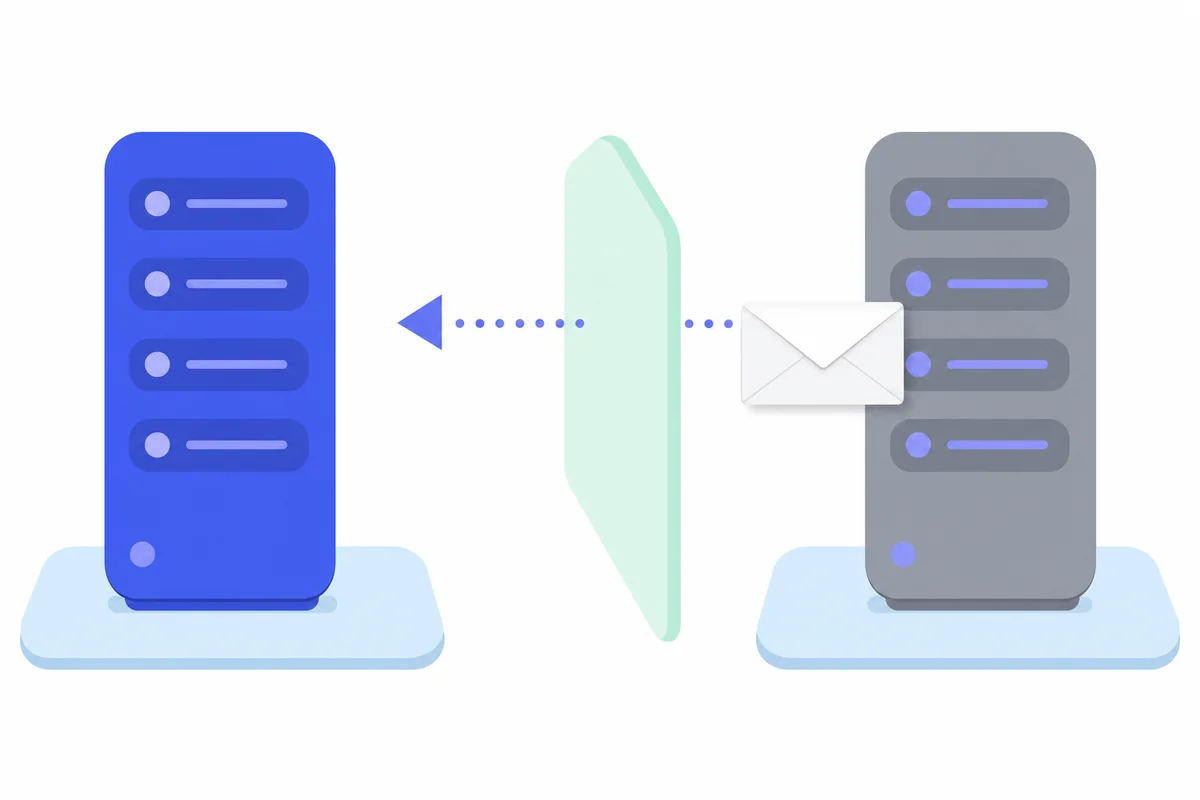
Diagram showing an email leaving the sender's server and arriving on the recipient's server beyond reach
Once the message crosses to the recipient's server, it is a copy you do not own.

Why the message cannot be pulled back

Email hands a message from your provider to theirs, and the handover is final by design. Your provider has no standing to reach into another company's mailbox and delete things — and you would not want it to, because the same power would let anyone rewrite your inbox.

Three details make it worse than people expect, and none of the guides we read while writing this mention them:

  • The notification has already landed. No recall un-rings a phone. The preview text sat on a lock screen, and preview text is the first line, which is usually the bit you regret.
  • Attachments get downloaded. A recalled message does not chase the PDF into someone's Downloads folder.
  • Forwarding is instant and invisible. If the wrong recipient forwarded it, there is now a copy you cannot even count.

What to do in the first ten minutes

Assume it has been read. Then, in this order:

  1. Send a short correction to the same address. Plain, unembarrassed, no explanation of the internal cause. “That message was sent to you in error, please delete it. Apologies.”
  2. Ring them if it mattered. Two minutes on the phone is the difference between a mistake and an incident.
  3. Tell whoever owns the risk — the partner, the principal, the practice manager — within the hour.
  4. Write down what happened while it is fresh. Time, recipient, contents. If this becomes a data breach, that note is the start of your record.

When a misdirected email becomes a data breach

This is the part that turns an awkward afternoon into a regulatory one, and it is far from rare. Ireland's Data Protection Commission received 6,521 valid data breach notifications in 2025, and almost half were correspondence sent to the wrong recipient (DPC Annual Report, published June 2026). Not hackers. Not ransomware. Autocomplete.

For a six-person estate agency, a mis-sent bid summary is not a typo. It is a named individual's financial position disclosed to someone with a competing interest in it. Under GDPR you have 72 hours to notify the DPC if the breach is likely to risk people's rights, and a record to keep either way.

SituationCan you undo it?What actually helps
Inside your undo windowYes, completelyClick Undo. Nothing was delivered
Delivered, same organisation, Outlook, unreadSometimesTry recall, then follow up by phone anyway
Delivered to an outside addressNoCorrection email, phone call, breach record
Wrong attachment on a delivered emailNoAssume it was opened; assess disclosure
Deleted from your Sent folderNo — this does nothingStop deleting evidence and start the record

Exactly one row in that table has a clean answer, and it is the row where the email never left. Everything after that point is damage limitation — which is why the useful question is not how to recall an email in Gmail, but how to stop needing to.

Need Help with AI Solutions?

Get in touch with our team or try our AI assistant.

How AI Catches the Email Before You Send It

An AI email layer reads the message in the seconds before it goes out and compares it against what it knows about your business: who this thread is with, who this attachment belongs to, whether this recipient has appeared on this matter before. When something does not line up, it holds the message and asks. That is a real recall, because the send has not happened.

What a pre-send check actually looks at

“AI checks your email” sounds vague until you list the checks, at which point it becomes obvious and slightly boring — which is what good automation looks like:

  • Recipient against thread. This conversation has been about 14 Marine Terrace with the vendor for three weeks. A new address just appeared on it. Why?
  • Attachment against recipient. The file is named for one client and going to another. One comparison, and it catches the most expensive category of mistake.
  • Similar names. Two Sarahs, one autocomplete. The check that matters is not spelling, it is whether this Sarah has ever been on this property.
  • Sensitive content leaving the building. Bid figures, bank details, anything that reads like a price going to an unfamiliar address.
  • Tone, when the hour is late. Not censorship. A quiet “send this in the morning?” on the reply written at 11pm.

None of that is clever. All of it is consistency a person cannot maintain on their fortieth email of the day, and a machine maintains without effort on its ten-thousandth.

CheckUndo SendAI pre-send checkApproval hold
When it actsAfter you sendBefore you sendBefore you send
Time you get5 to 30 secondsAs long as you needUntil someone approves
Catches wrong recipientOnly if you spot itYes, by comparing to the threadOnly if the approver spots it
Catches wrong attachmentOnly if you spot itYesSometimes
Slows you downNoOnly on flagged messagesYes, on everything
Best forEveryone, todayClient-facing inboxesRegulated or high-value sends

Turn on Undo Send this morning; it costs nothing. Add the pre-send layer when the cost of one wrong recipient is larger than the cost of building it — which for most agencies is one incident.

How we set this up for an estate agency

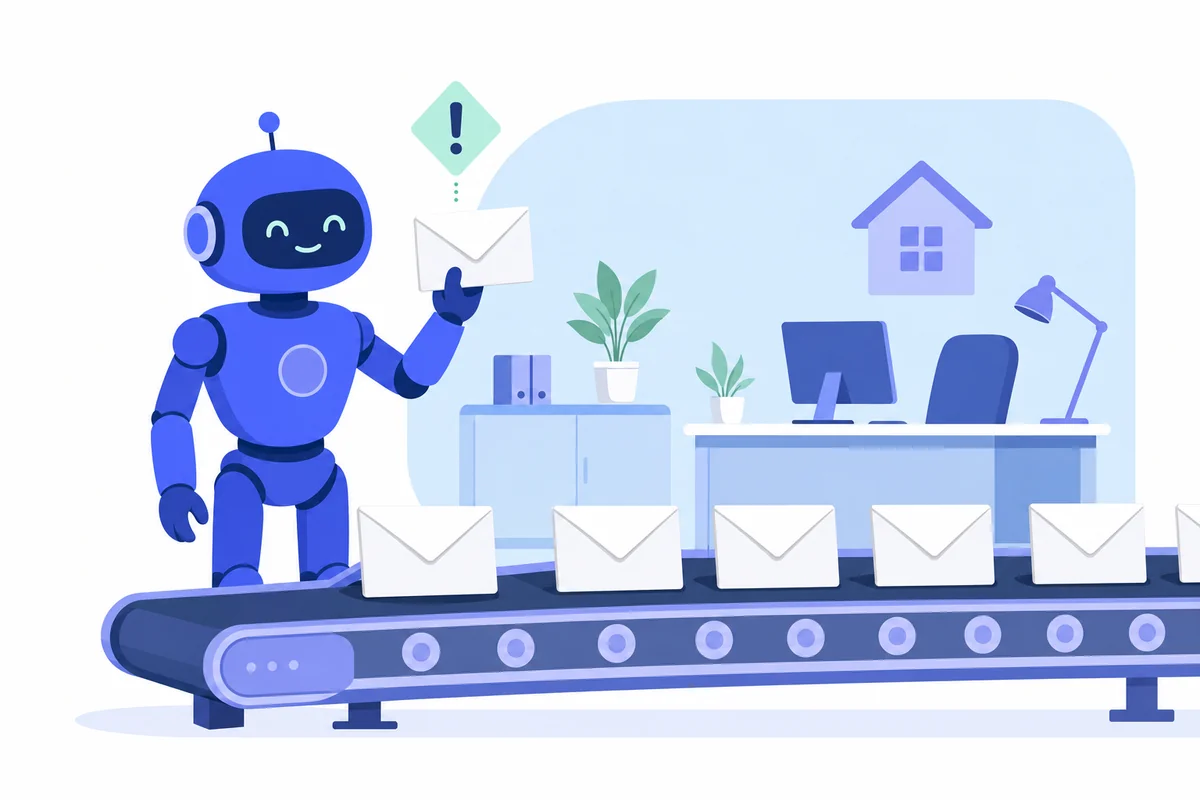
Illustration of an AI assistant reviewing outgoing emails and flagging one for a business owner
The agent flags the one email that does not fit and leaves the other 39 alone.

Our Email Manager sits on Gmail or Outlook and does three jobs: it sorts what comes in, drafts replies in your tone, and checks what goes out. That third job is the one nobody asks for until the week after they needed it.

We read a month of real sent mail first — not a description of it. The recurring shapes appear within an hour: viewing confirmations, bid updates, vendor chains, and the category carrying every risk in the business, which is anything with a number in it going to a buyer.

Then we write down what must never leave unchecked. That list is usually four lines: anything with a bid figure, anything with a vendor's personal details, anything to an address that has not appeared on this property before, anything sent to a buyer after 7pm.

Then it runs in shadow mode for a fortnight, flagging what it would have held without holding anything, so everyone sees the false-alarm rate before it can interrupt a working day. What surfaces is rarely the dramatic case. It is usually the viewing confirmation going out with last week's time still in it — a pattern nobody spots, because each instance alone just looks like a client arriving at the wrong hour.

We run this on our own inbox too: the chat agent on this page, the inbox automation we build for agencies, and the pipeline that published this article are our own systems in production.

If you want the honest version, tell us what your worst email mistake would cost. Every enquiry lands with me personally and I reply within 24-48 hours. If the answer is that 30 seconds of Undo Send is all you need, that is what you will get. If your inbox problem is volume rather than accuracy, start with how inbox automation cuts email time instead.

Need Help with AI Solutions?

Get in touch with our team or try our AI assistant.

Recalling Emails in Gmail: FAQs

Can you recall an email in Gmail after an hour?

No. Gmail's Undo Send only works inside the cancellation period you set, which tops out at 30 seconds. After that the message has been handed to the recipient's mail server and there is no setting, add-on or support request that will bring it back.

Does the recipient know you unsent an email?

No. If you click Undo inside the window, the message was never delivered, so there is nothing for the recipient to see or be notified about. It simply returns to your drafts. This is why Gmail's approach is more reliable than a true recall attempt.

Can you recall an email from Gmail after 30 seconds?

Not with Gmail itself. Once the cancellation period ends, delivery completes and the copy belongs to the recipient. The only remaining options are human ones: a prompt follow-up correcting the error, a phone call, and a breach assessment if personal data was exposed.

Does deleting an email from Sent unsend it?

No. Deleting from your Sent folder removes your own copy and nothing else. The recipient's copy sits on their mail server, untouched. It is the single most common misunderstanding about email, and it costs people the ten minutes they should have spent apologising.

How can I resend an email in Gmail?

Open the message in your Sent folder, click the three-dot menu in the top right of the message and choose Forward, or open the original and use Reply to all so the same recipients are kept. Edit the content, correct the mistake, and send it as a fresh message.

Can you unsend an email on the Gmail mobile app?

Yes, but the window is much shorter and cannot be changed in the app. A short Undo prompt appears at the bottom of the screen for roughly five seconds after sending. If you want the full 30 seconds on a phone, use Gmail in the mobile browser instead of the app.

Can you recall an email sent to someone outside your organisation?

No. Outlook's recall only works when both sender and recipient are on Microsoft 365 or Exchange inside the same organisation. Send to a Gmail address, a personal Outlook.com account or another company's tenant and recall does nothing at all.

Back to that Tuesday in Galway. The bid summary still gets written at 4.50pm, because that is when best bids close and everyone is tired. What changes is the order of events: the message pauses, a line appears saying this recipient has not been on this property before, and the negotiator looks again. Four seconds was never going to be enough. It did not have to be.

Set your undo window to 30 seconds now — it is the cheapest insurance here. Then, if your inbox carries anything you would hate to send twice, read how other Irish firms have automated theirs.